Totally free

Multifunctional task
tracker for teams

Less stress. More confidence.

preview for video
More freedom for inspiration

Main features

Projects
gradient purple backgroung
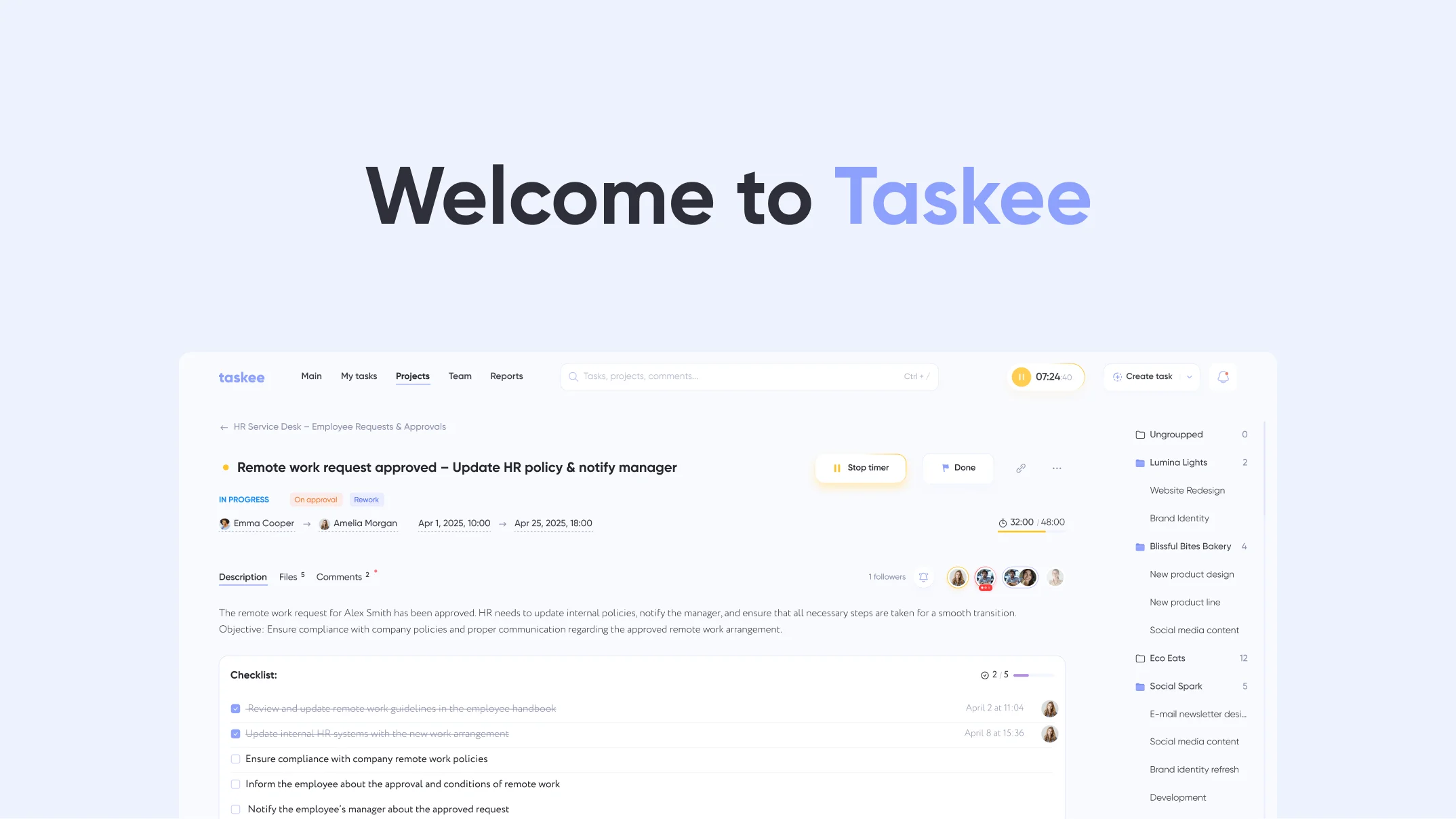
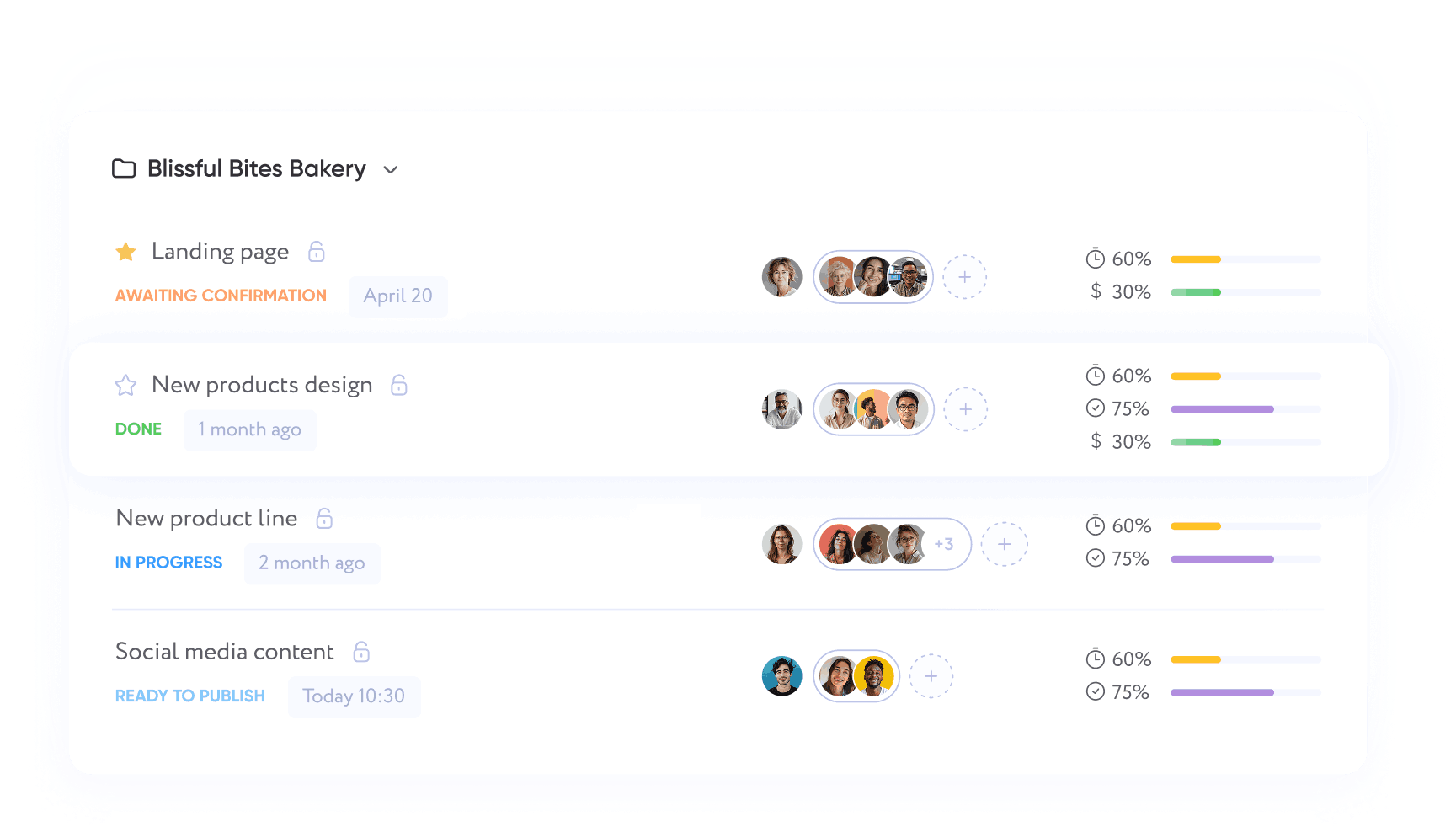
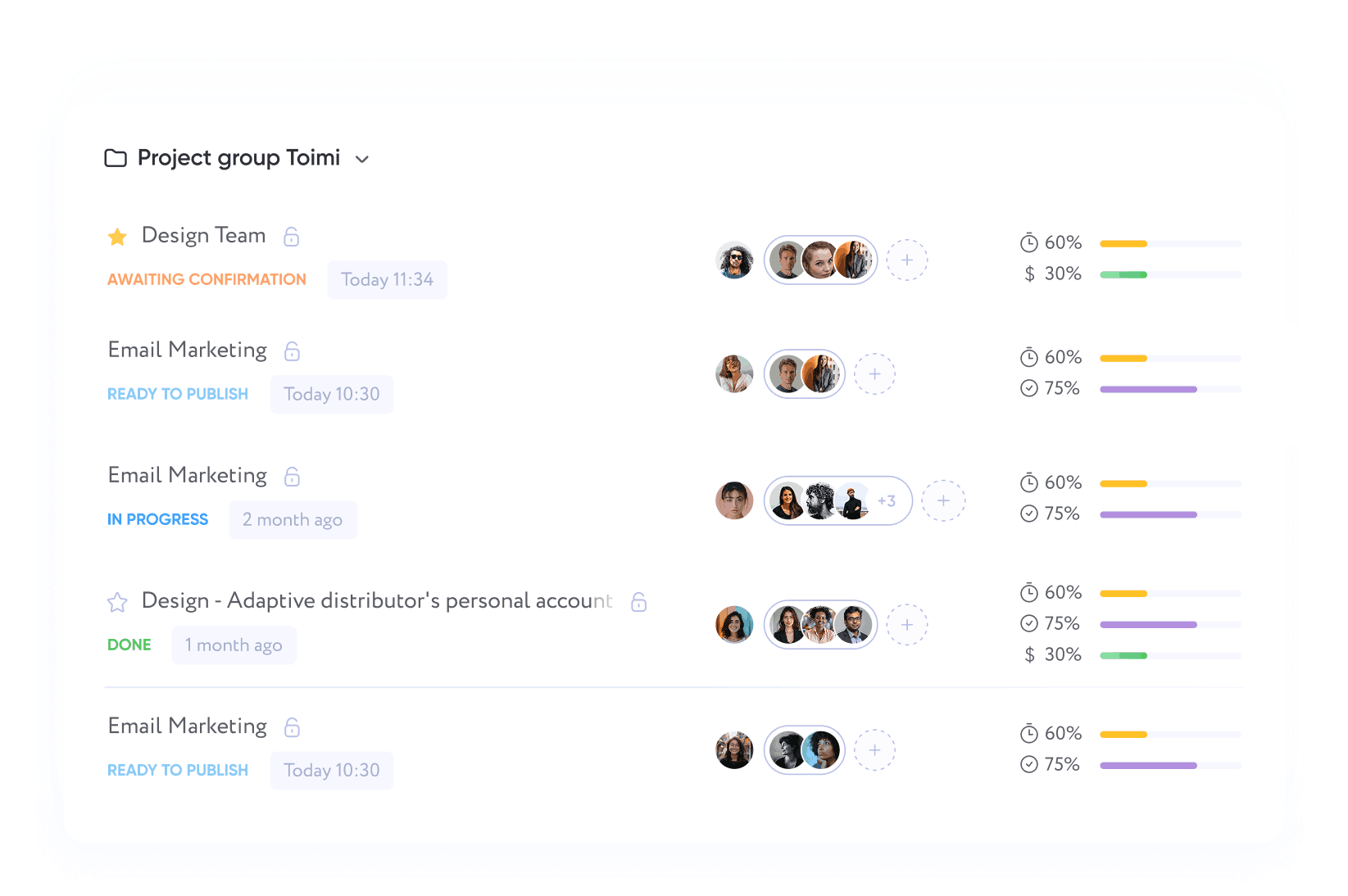
screenshot of taskee page with project
Project management
Tasks
gradient purple background
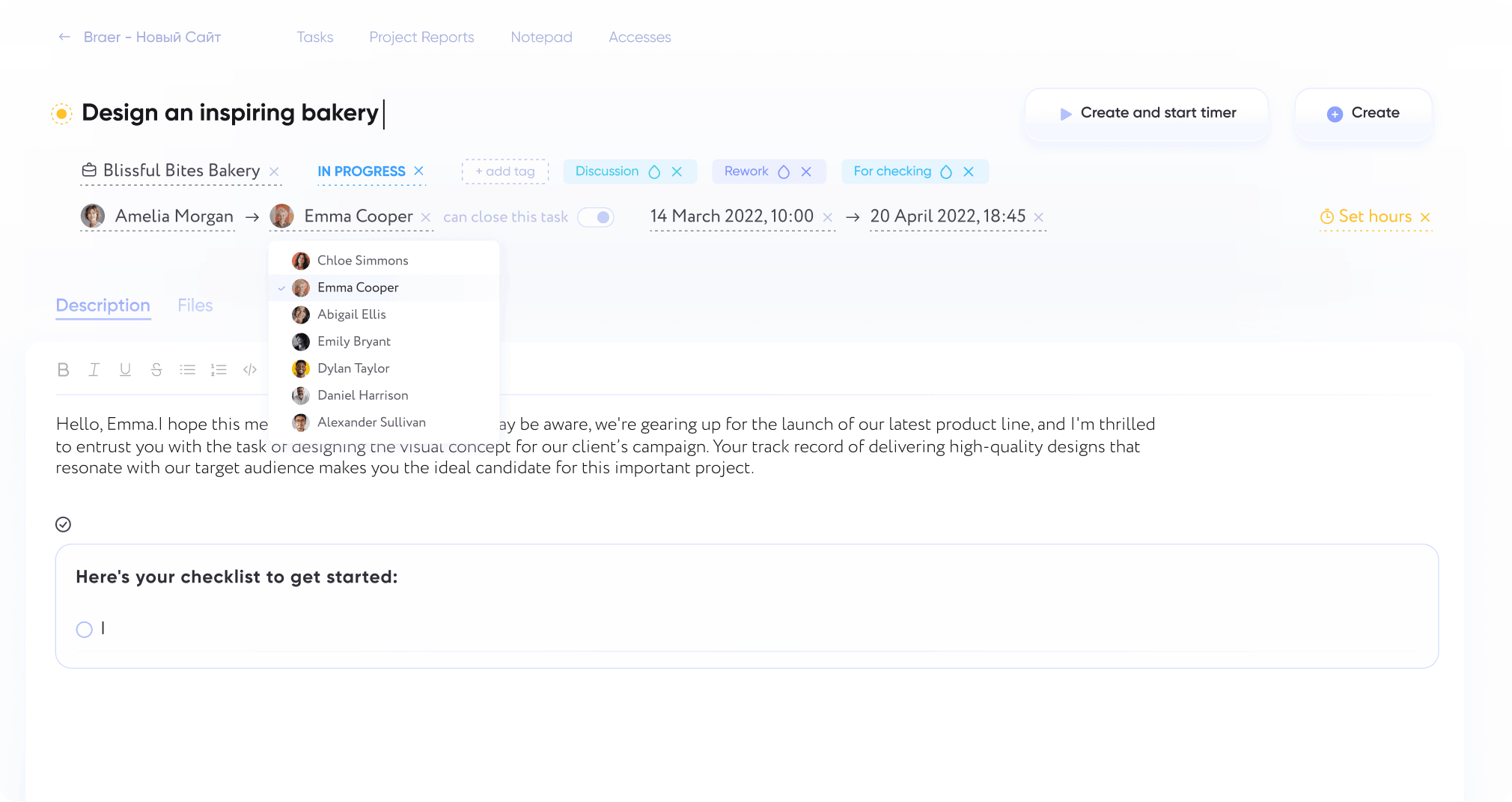
screenshot of the taskee page with tasks
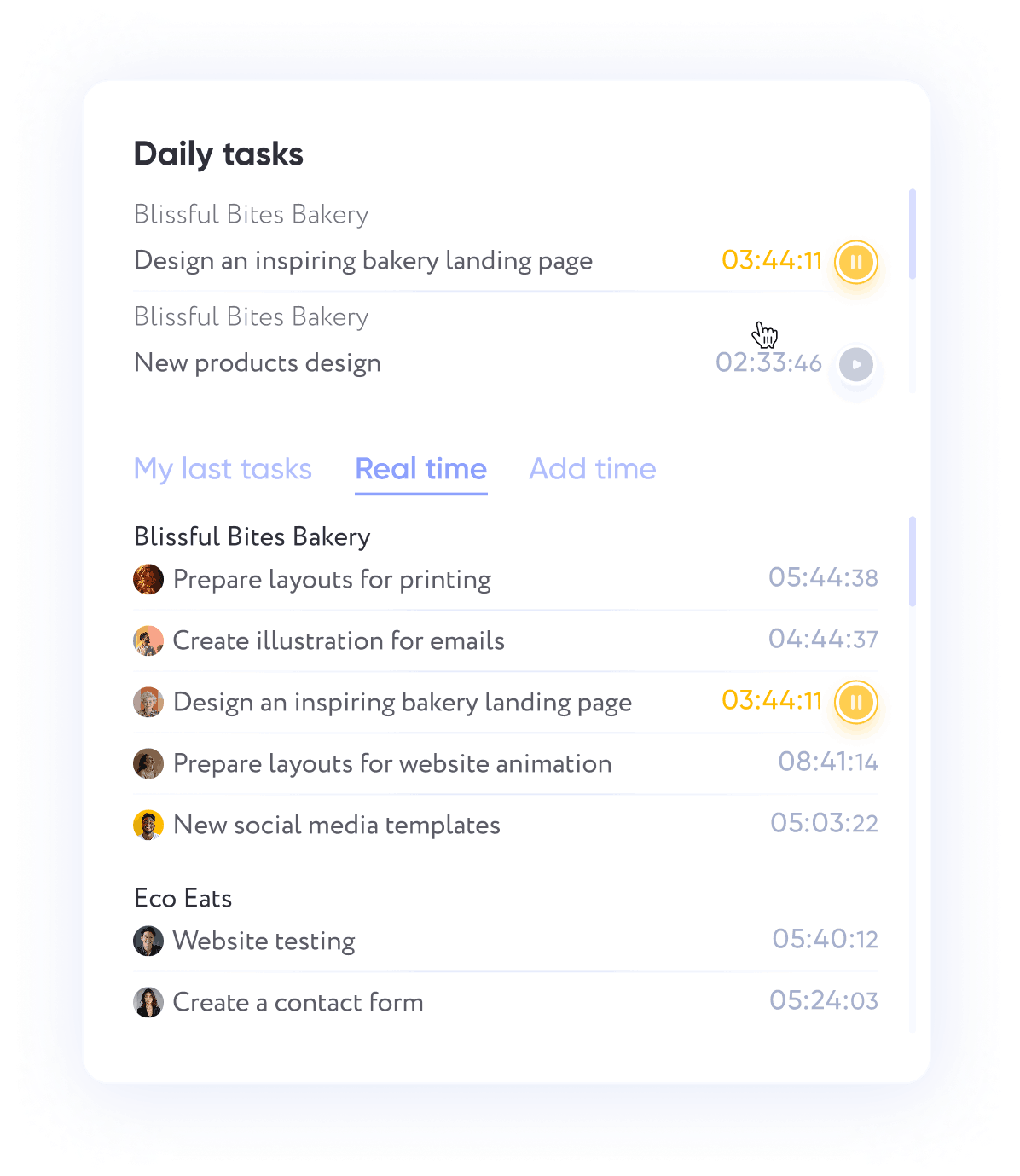
Time tracking
gradient purple background
time tracking
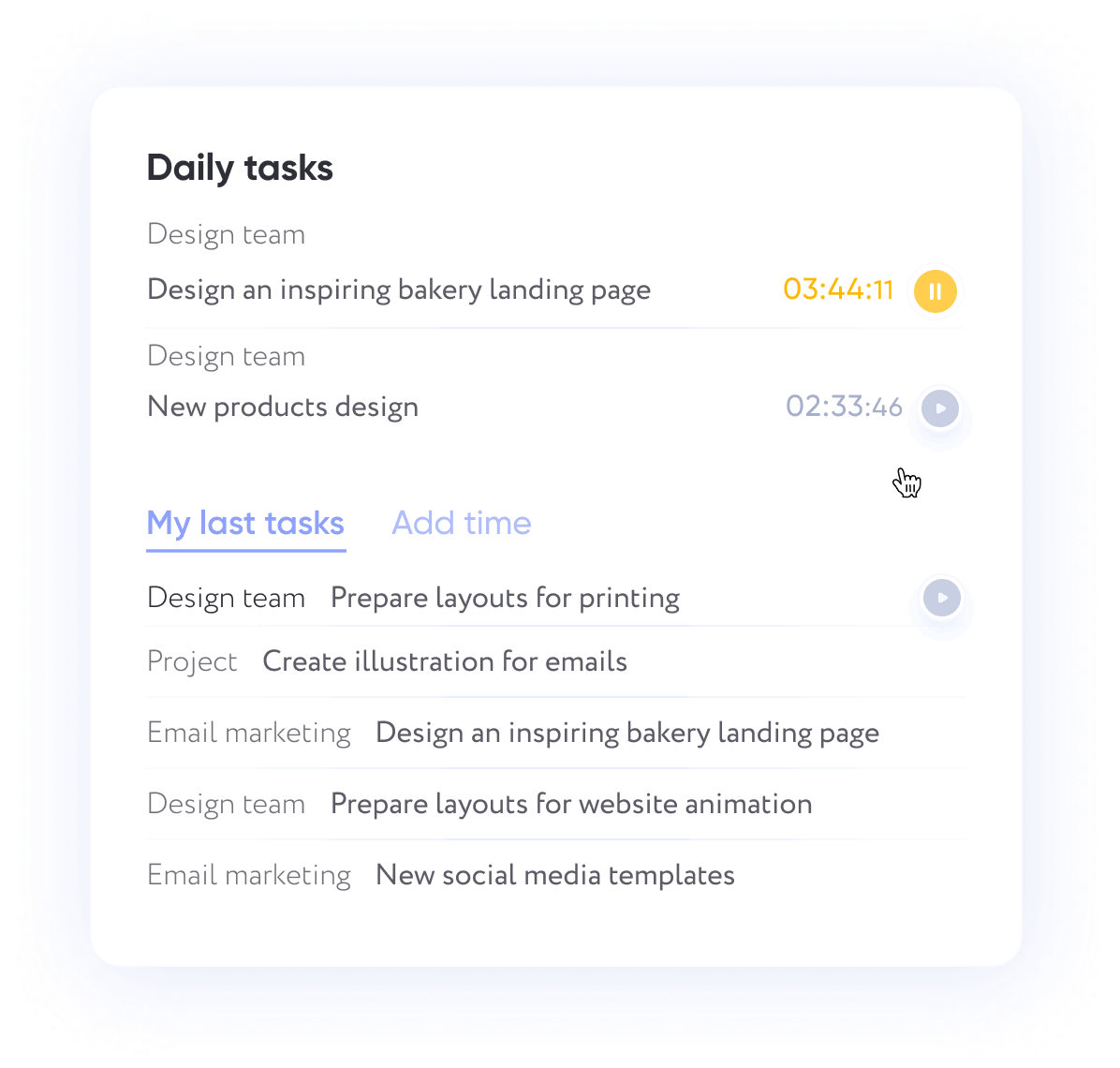
Task tracking
time tracking
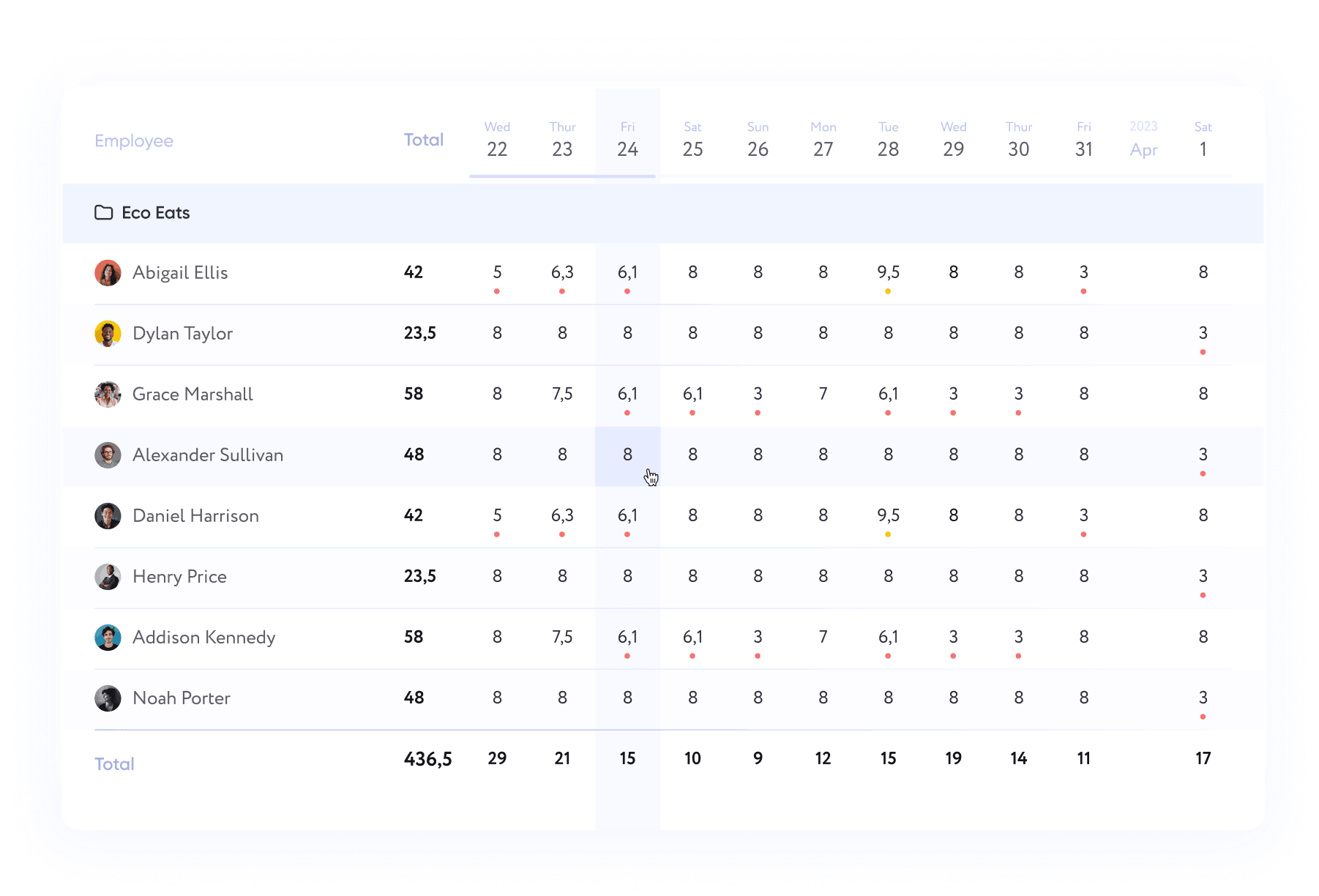
Reports
gradient purple background
reports

Easily adapted to your needs

Project teams
Manage projects in a simple way — group tasks, favorite key projects, and view project reports on progress and performance.
Developers
Stay on top of code and features with task tracking for developers, structured data, and clear sprint reports.
Marketing
Get focused insights — campaign tracking, structured marketing reports, and performance dashboards without extra tools.
Designers
Designers can organize work visually with Kanban boards, upload files, and track revisions — a task management tool that fits the creative process.

Unique features in the global task tracker market

Appealing interface
Clean design with straightforward navigation. Customize your sidebar and focus only on the tools you actually use.
Theme options: dark and light
Switch between light and dark themes to work comfortably day or night.
Presence effect
See who’s online, editing, or completing tasks in real time. Collaboration feels natural when everyone’s presence is visible.
Easy and quick task-setting
Add new tasks in seconds. Simple, intuitive buttons make planning painless.
Flexible role configuration
Create and adjust user roles with precise permissions. Keep access organized as your team grows.
The first zoom kanban in the market
Scale your kanban board in and out. From the big picture to the smallest detail — manage projects your way.
Roadmap for 2024-26
Project Notebook
History of project events
Kanban board
Custom tags and statuses
Quick tasks
Personal projects
Convenient search
Work in real time
Transferring a task from project to project
Work with files
Custom reports
Real-time employee work activity tracking
And 34 more new useful features are coming soon
Easy
to use.
Scalable
for businesses.

Pricing

Totally
Free
icon person
Unlimited number of users
icon storage
Up to 10 GB of storage
Currently, you can use the product completely free of charge, based on the Terms of Use. However, you can support us and donate as much as you want on a one-time or monthly basis.

Frequently Asked Questions

Haven’t found what you were looking for?
Contact us.

What is Taskee and who is it for?

Taskee is a web-based task tracker for teams. You create projects, split the work into tasks, move them across a Kanban board, track the hours and read the results in reports.

It suits project teams, developers, marketers, designers and agencies. It also works for one person who wants a clear list with deadlines. Taskee has been live since April 2024.

How much does Taskee cost?

Nothing. Taskee has one plan, and it is free: $0 per user per month, an unlimited number of users and up to 10 GB of storage. Every feature is included.

There is no trial countdown and no paid tier at the moment. If you want to support the product, you can donate once or monthly. Donations do not unlock anything extra. Details are on the pricing page.

What makes Taskee different from other task trackers?

It is light and quick to set up. A new account comes with a default project, so you can add the first task right away.

A few things you will not find everywhere. The Zoom Kanban board scales in and out, from the whole project down to a single card. A presence indicator shows who is online and who is editing a task right now. Time tracking and cost reports are built in, so there is no separate timer app to pay for. Light and dark themes are included.

How do I get started?

Register a company at auth.taskee.pro. Enter the company name, domain and time zone. The time zone matters: deadlines and daily totals in reports are counted against it.

Then invite colleagues and create your first project. Statuses and tags can be renamed later. Most teams start with tasks and the board and add time tracking once the work is flowing.

Can I use Taskee on mobile devices?

Yes. Taskee works in any mobile browser, and the interface adapts to small screens.

There is no app in the App Store or Google Play yet. You can add Taskee to your phone's home screen instead. It will then open in its own window, like an app. Nothing extra to pay.

How does Taskee handle my personal data and security?

We process account data such as your name, email address and phone number to run the service and give support. The legal bases follow the GDPR. We do not collect special categories of data, such as health or biometric data.

Inside a company, access is controlled by roles. When someone leaves, an admin removes them and their access to projects and tasks ends at once. The full terms are in the Privacy Policy. Questions about your data go to hello@taskee.pro.

Taskee Blog

View all posts
scroll to up
Back to menu
Back to menu
For teams
Industries
Company type
See all solutions
See all solutions