
Taskee Features
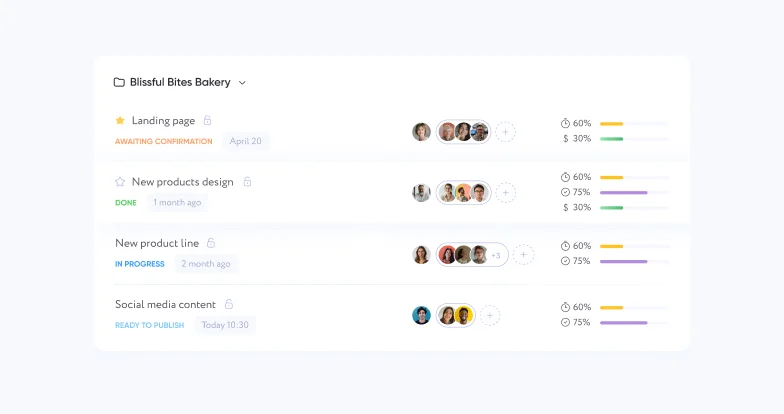
Taskee is built around one idea: the task is the unit, and everything else is a way of looking at it or a rule that applies to it. A task carries its own assignee, deadline, status, tags, priority and discussion. The board arranges those tasks by status. The project defines which statuses and tags exist in the first place. The timer measures the task, and the reports add the measurements up.
That is worth saying plainly, because most work tools are sold as a list of capabilities, and a list does not tell you whether the pieces will agree with each other. Here there is a single set of tasks and a single set of statuses underneath every view, so moving a card on the board changes the status in the list, and time recorded on a task appears in the report for its project without anyone copying anything across.
The seven pages below cover each part in detail — what it does, how it works in the interface, and which kinds of team get the most out of it. If you are evaluating rather than already using Taskee, the two worth reading first are task management and project management: between them they describe the model everything else sits on.







How the pieces fit together
Read in order, the seven features describe one path from an empty account to a team that can answer questions about its own work.
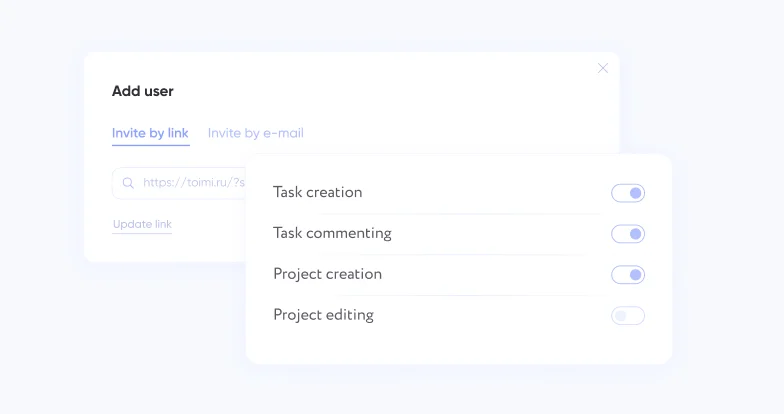
Team management comes first, because a company has to exist before anything can be shared. It is where people are invited and where roles decide who may do what — including the two permissions that matter most later, stopping a colleague’s timer and adding time to someone else’s task.
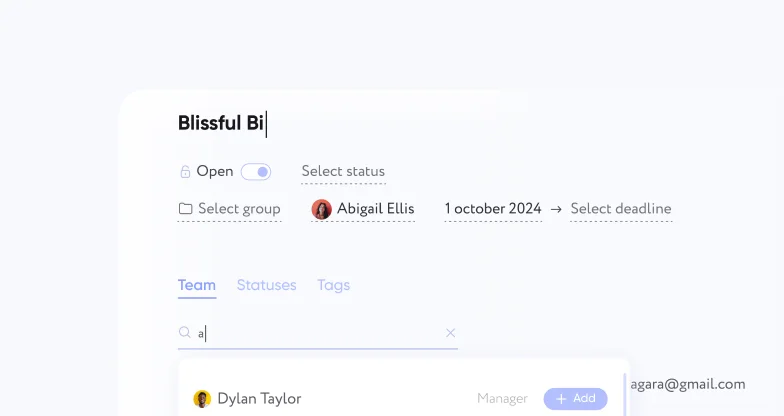
Project creation is next: making the project, grouping projects so the sidebar stays readable, and adding the people who will work on it. Project management is the ongoing half of the same thing — the deadlines, statuses, tags, activity record and shared notes that every task in the project inherits.
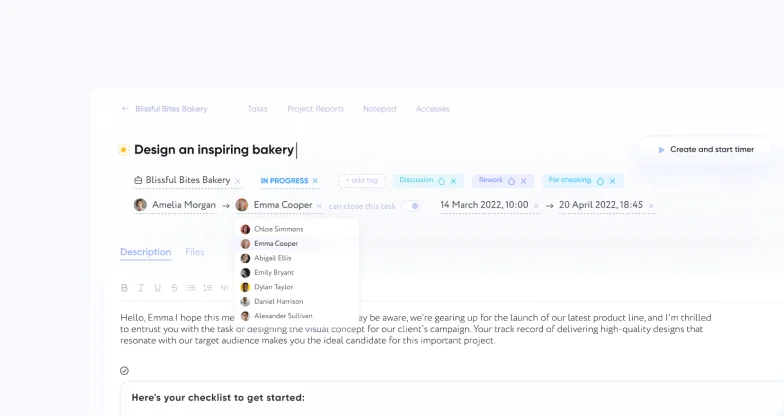
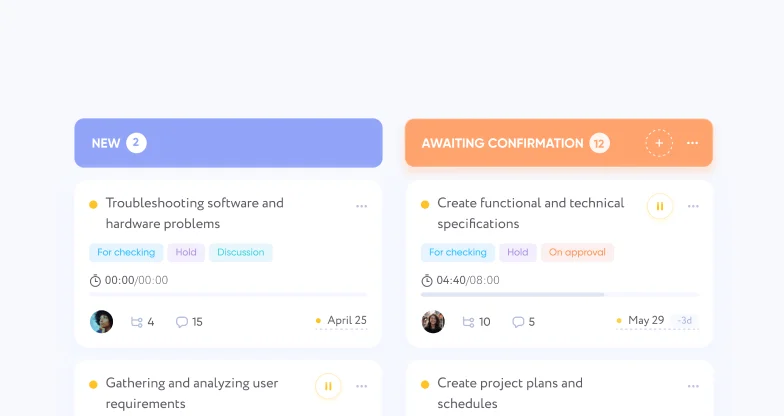
Task management is the daily work: capturing tasks, assigning them, discussing them on the task itself rather than in a chat thread, and closing them when they are done. The Kanban board is the second way of seeing exactly those tasks, arranged into columns by status, which is what makes a bottleneck visible instead of merely suspected.
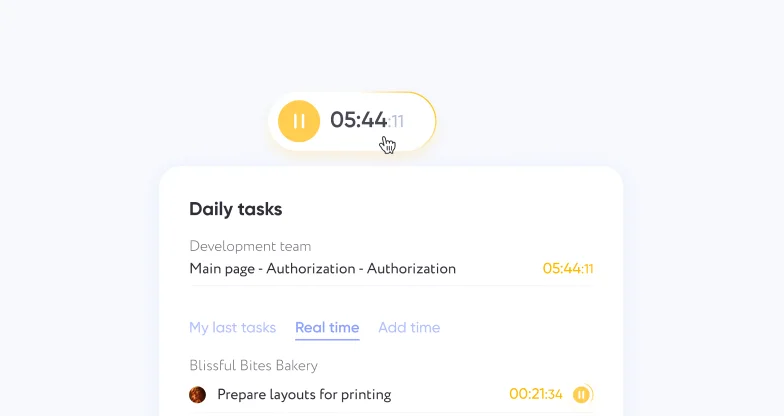
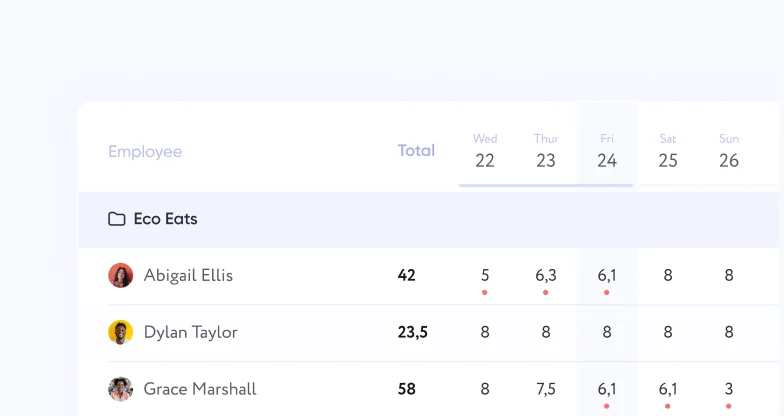
Time tracking measures the tasks, from wherever the person happens to be working, with manual entry for the work that never happens in front of a timer. Reports turn that into answers: where a project’s hours went, what one person’s month consisted of, and how many hours per person per day for the purposes that only need a total.
Where to start
Nobody needs all of it in the first week, and teams that try to configure everything before doing any work usually configure the wrong things.
If you are one person or a very small team, start with tasks. A list with deadlines, tags and priorities is a complete system on its own, and the default project that comes with a new account means you can capture the first task before deciding on any structure at all.
If you are a team that keeps losing work in handoffs, start with the board. Columns that match the stages your work really passes through will show you, in about a week, which stage everything is waiting at.
If you are a team whose hours are the thing being sold or budgeted, start with tracking and reports. Tracking against tasks is what lets a number in an invoice be traced back to specific work, and manual entry is what keeps that number honest when the work happened in a meeting.
And if you are setting up for a company rather than for yourself, spend the extra ten minutes on roles and on the company time zone. Both are quick at the beginning and tedious to reason about once several months of deadlines and daily totals have been recorded against the wrong assumptions.
Do I need to use all of the features?
Does the board show the same tasks as the list?
Where do the board's columns come from?
Does time have to be tracked with a timer?
Who controls what people can do?
What is the first thing to set up?
Create a company in Taskee and try it on real work. All of it sits on one plan — see pricing: free, for an unlimited number of users.


