Creativity Uninterrupted

Create. Collaborate. Deliver.

Seamless production from brainstorming to broadcast

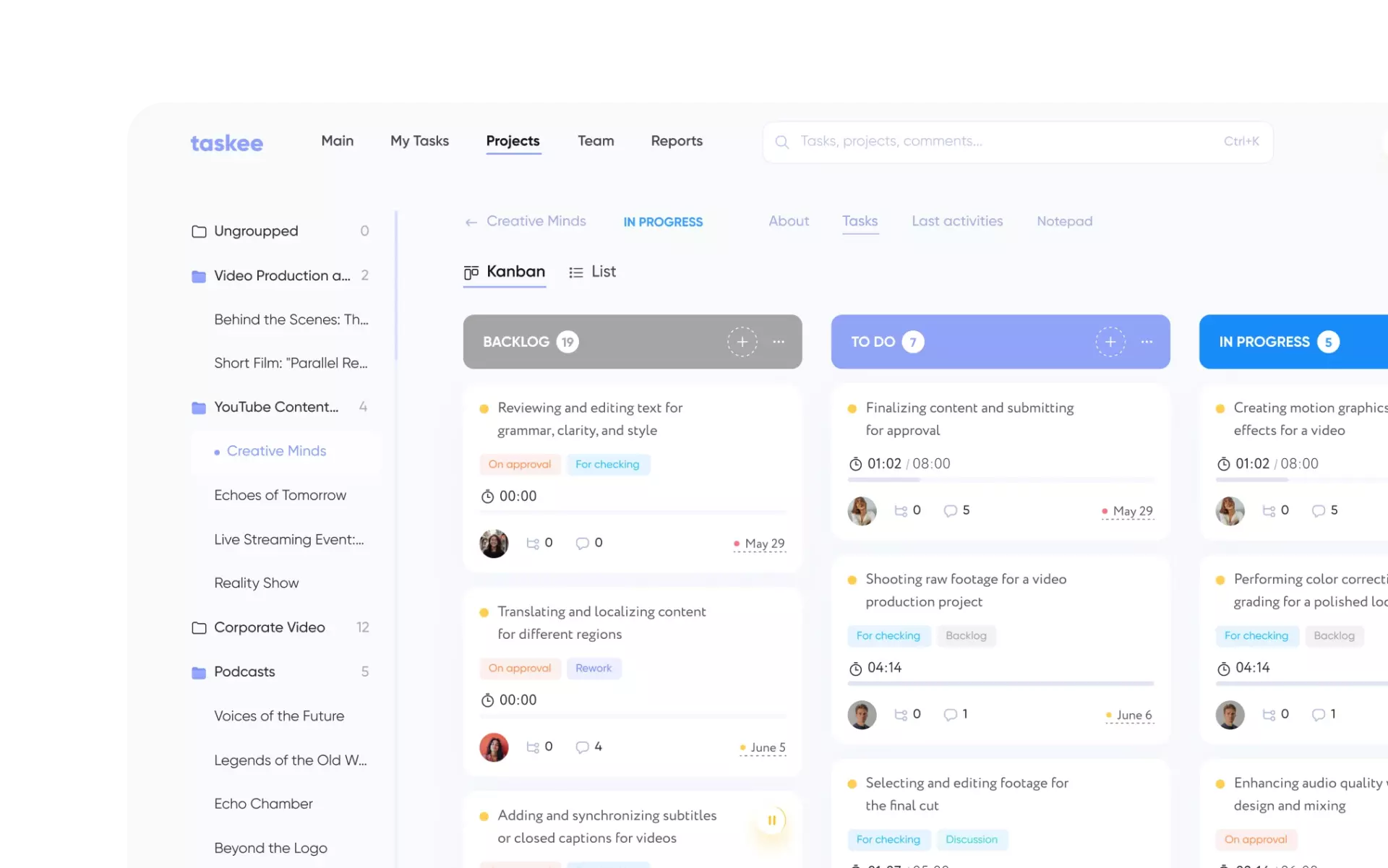
Task & production tracking
for media projects

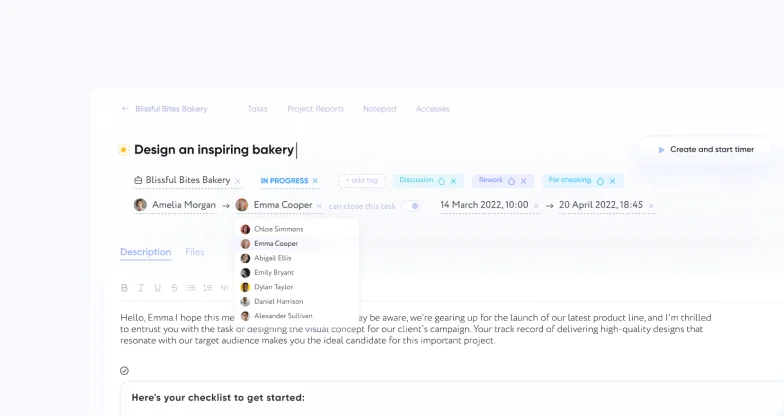
Keep every production on schedule with structured media project management tools. Assign responsibilities, set deadlines, and track progress from pre-production to final release – no more last-minute scrambles.

img

Collaborative workflows
for entertainment teams

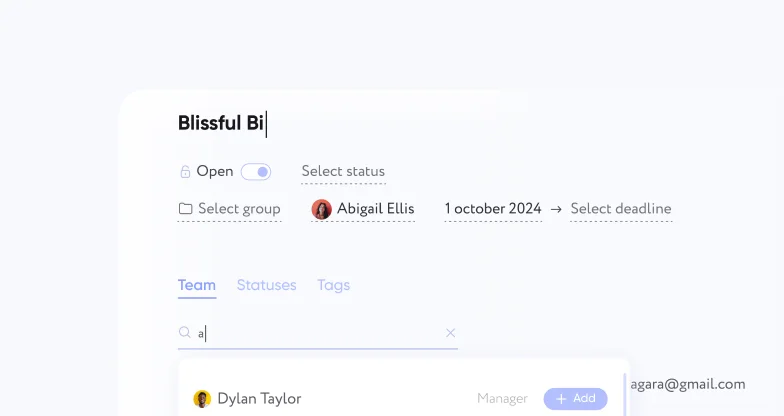
From writers and editors to designers and producers, enable seamless entertainment team collaboration. Share feedback, update tasks in real time, and keep everyone aligned – without endless email chains.

img

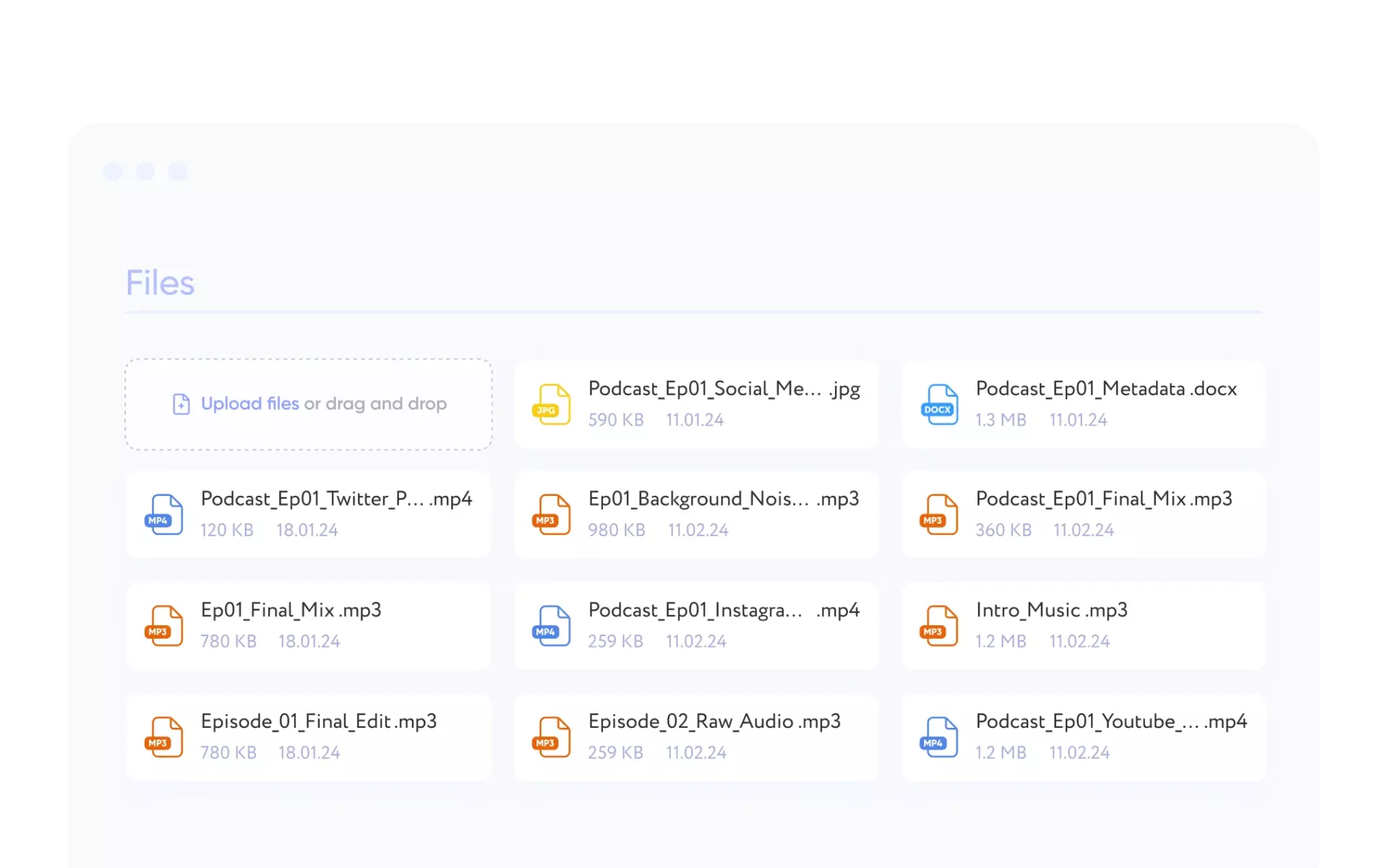
Version control & media asset management

Never lose track of your work. Store every version of scripts, graphics, and video cuts in one centralized hub. With Taskee, your digital media assets stay organized, searchable, and easy to update or share.

img

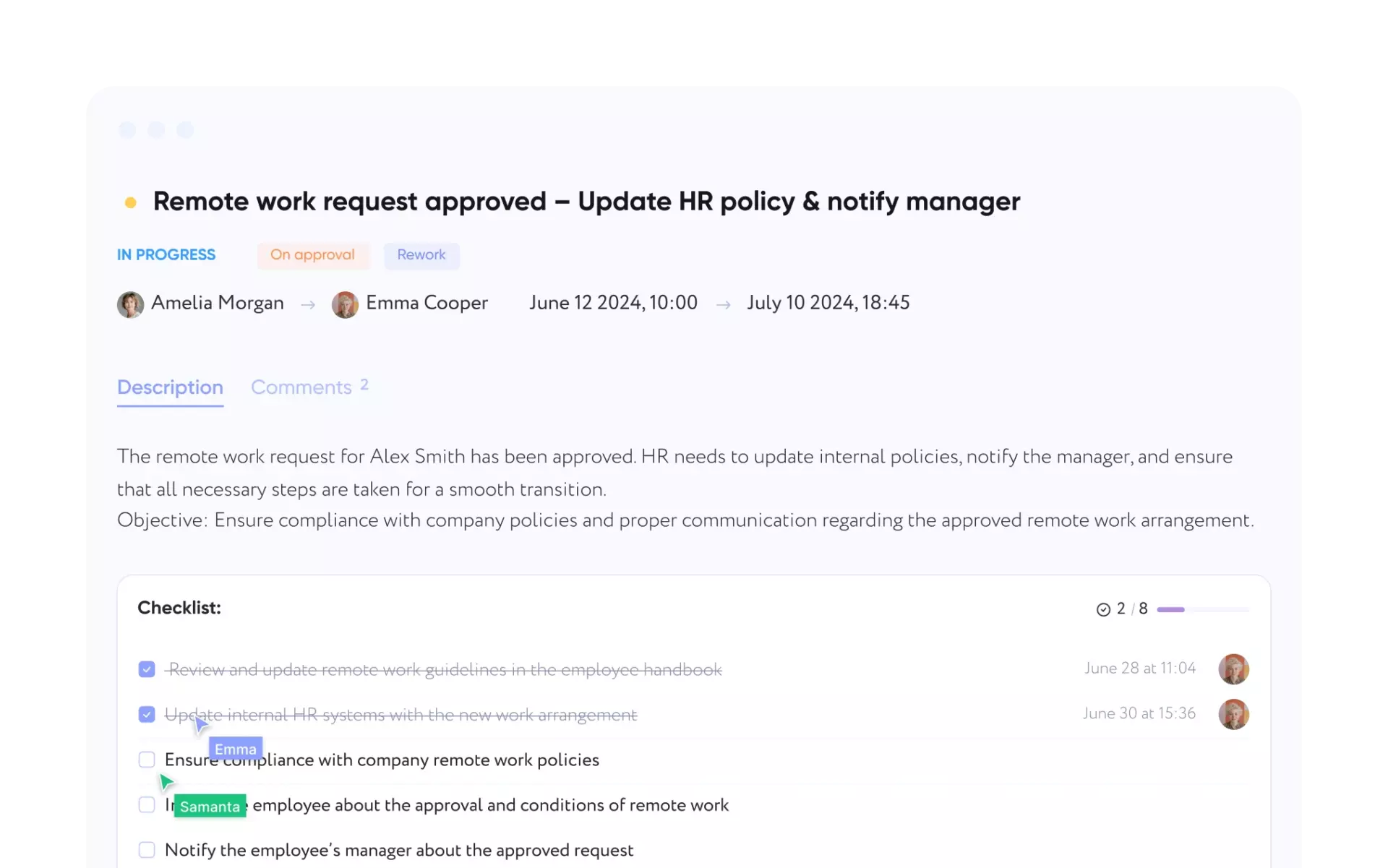
Clear task status & feedback tracking in production

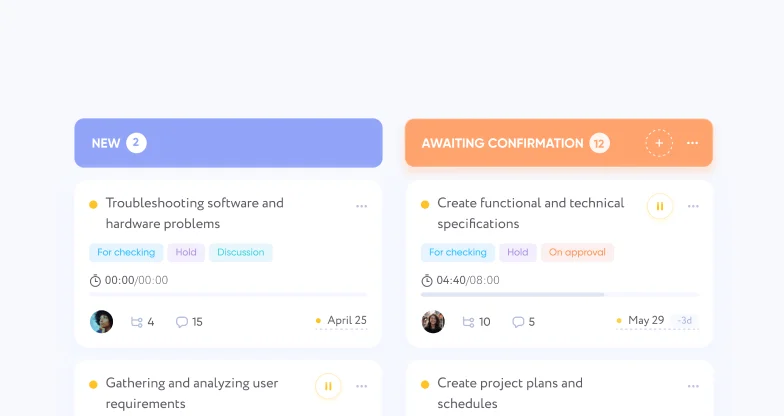
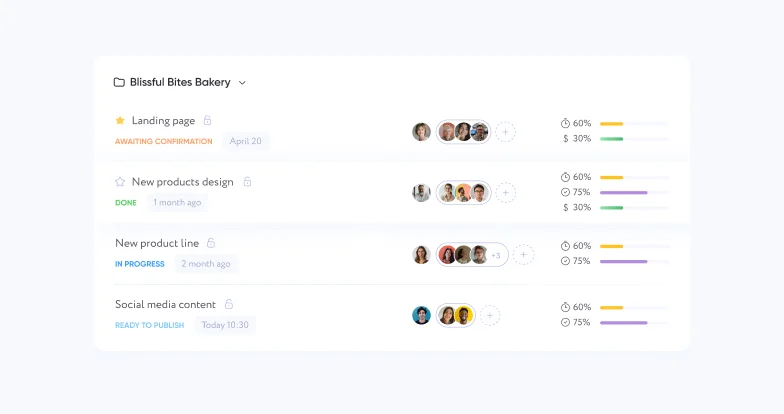
No more scattered notes or unclear updates. Track progress in real time, centralize feedback, and attach files directly to tasks. Every status update, comment, and file stays connected – improving clarity for creative and production workflows.

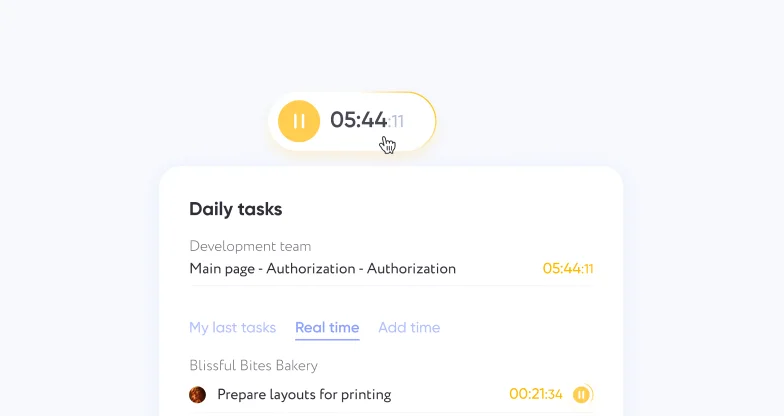
Deadline & release scheduling
for broadcasts

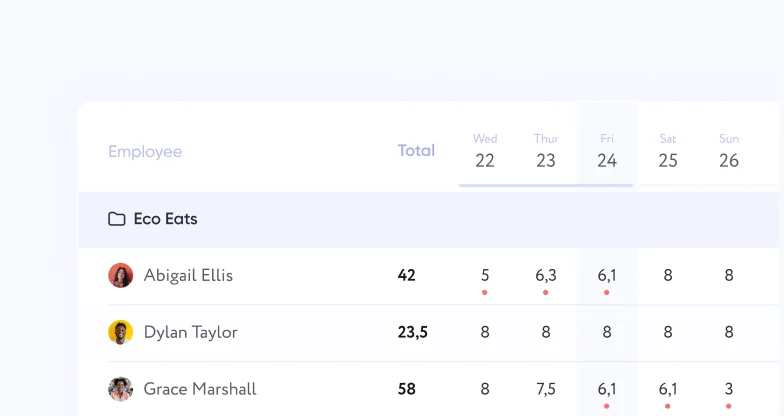
Stay on top of calendars and avoid chaos. Taskee helps manage content production scheduling, assigning clear responsibility and ensuring every broadcast, campaign, or premiere goes live on time.

Behind the scenes: media teams' biggest hurdles

Miscommunication and bottlenecks → Real-time alignment keeps productions moving

Trying to keep a media project on track with a misaligned team can turn even the most promising idea into another flick. Deadlines slip, and suddenly the project you thought was almost done needs a couple more months in the oven. With Taskee, you'll keep everyone aligned in real time, ensuring no more plot twists in the schedule.

File and version chaos → Asset management & version control bring clarity

"Final_v3" doesn't actually mean "final", does it? With all the edits, tweaks, and accidental uploads, version tracking can feel like a circus. With Taskee's media asset management and version control, you'll always know which file is the version you need.

Scattered feedback and team misalignment → Centralized collaboration

Comments in emails, on Slack, on sticky notes, in your morning coffee – it's like assembling one very weird puzzle. Taskee centralizes all your feedback in one place, so you can track, comment, and collaborate without getting lost in a sea of notifications.

Overloaded schedules and unrealistic deadlines → Smarter scheduling balances workloads

Many media teams take on more than they can handle and face the consequences. Crunch time is out of fashion, and work-life balance is the new cool. Taskee helps you work smarter, not just faster – keeping your team focused, your workflow smooth, and your deadlines stress-free.

Pricing

Totally
Free
img
Unlimited number of users
img
Up to 10 GB of storage
Currently, you can use the product completely free of charge, based on the Terms of Use. However, you can support us and donate as much as you want on a one-time or monthly basis.

What media teams say
about Taskee

img
Maria
Senior producer

«Our media team was constantly facing issues with progressive edits, scattered feedback, and misalignment across departments. Keeping everyone on the same page felt like a separate (and unpaid!) job. Taskee brought everything into one place – version control, centralized feedback, and task tracking. The real-time updates have been a lifesaver, allowing us to stay in sync without the back-and-forth chaos.»

img
Ryan
Director of media

«Our team was overwhelmed with endless versions of files and the uncertainty of which was the final one. Deadlines were missed, and I swear you could cut the tension in the office with a knife. With Taskee’s file management and edit tracking, we know exactly which file is the right one. The confusion around “final versions” is gone, and tracking changes is easier than ever.»

img
Jordan
Senior editor

«Our editing process was a complete mess before Taskee – I had to rummage through multiple platforms and inboxes to find that one review copy I was supposed to receive weeks ago. With Taskee we’ve got a clear workflow, real-time updates, and no more confusion. It’s a game-changer for managing our post-production work, and we’re on track like never before!»

Frequently Asked Questions

I’m managing a massive project with a million moving parts. Help?
Taskee will help you break your project down into multiple concise tasks. You'll get a clear visual overview of your project's progress and will be able to track each task with ease. It won't just magically fix your problems, but it's a very good start.
Is Taskee safe for handling sensitive media files?
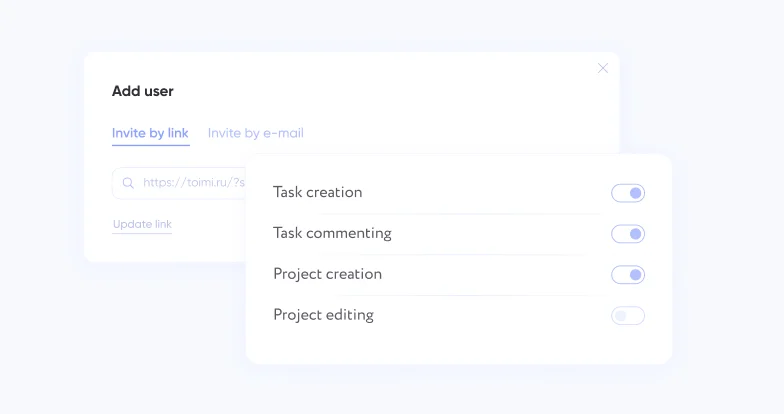
Absolutely! Role-based access is a key feature designed to keep your files secure. Only the right people will see your first awkward drafts (unless, of course, you want to share them for laughs). With Taskee, you control who can view, edit, and comment on your work, ensuring your files stay safe while still encouraging seamless collaboration.
Can Taskee integrate with the other tools we’re already using?
Taskee is a standalone platform, but don't worry, we're working on adding tons of integrations in the future. Who knows, you might even get to join one of our exclusive testing groups wink wink – your feedback could shape the next big feature!
Is Taskee free?
As free as it gets – no hidden fees, no in-app store to buy a shiny new skin for your “Add Task” button – nada. We’re just getting started with loads of bright ideas in the works – and, honestly, you’re sorta paying us in feedback already!
Does Taskee require onboarding?
Uh… if spending about an hour to register and set everything up counts as onboarding, then sure! It's really that simple. Just invite your team members, and watch them figure everything out on their own. You'll be up and running in no time!
Haven’t found what you were looking for?
Contact us.

Find out more features

Insights and Tips for Startups

All teams needs covered

Image
imgBack to menu
imgBack to menu
For teams
Industries
Company type