Looking for a task management app that keeps you organized, focused, and actually shipping work? This guide compares tools for freelancers, startup founders, and remote teams who want clarity, not more noise. Whether you need a minimal to-do list, a team dashboard, or calendar-based planning, we sort the top tools by use case, pricing, and real-life fit. Skip the bloat — find what works for the way you work.
TL;DR Top task management apps
- Taskee
- Todoist
- ClickUp
- Trello
- Notion
- Asana
- TickTick
- Motion
- Sunsama
- Microsoft To Do
Key takeaways

Some apps shine at organizing complex, multi-person workflows. Others are better at keeping one person personally accountable.
If you're balancing structure and focus, look for custom statuses, simple UX, and time tracking.
The best task managers aren't about "doing more." They help you see what matters now.
Why do task management tools matter?
Managing work isn't the problem anymore. Managing how we manage work is.
The average digital worker switches between apps and websites nearly 1,200 times a day, and loses almost 4 hours a week — about five working weeks a year — just getting back on track after each interruption.
There are more productivity tools than ever. Every week a new app promises to streamline tasks, sharpen focus, or "revolutionize" your workflow. The real problem is overchoice and tool fatigue. Most teams don't need another inbox or a prettier calendar. They need clarity, ownership, and flow.
A good task manager helps not by doing more, but by helping a team focus on what matters now, hand off work cleanly, and track progress without drowning in notifications.
As Artyom Dovgopol, co-founder of Taskee, puts it: "The right tool doesn't make you work harder — it just makes it easier to know what you should be doing in the first place."
Whether you run a growing team or juggle solo projects, the right tool keeps you productive and helps you avoid burnout.
Who should use a task management app?
Task managers aren't just for productivity nerds. They earn their keep for anyone trying to keep work straight across tools, time zones, and teammates.
Here's how different roles benefit.
Freelancers and solo creators
Without a system, tasks scatter across chats, notebooks, and memory. A good tool lets you:
- Keep everything in one place, from briefs to deadlines
- Set priorities and track progress
- See how much time goes to billable work versus admin
Remote teams and distributed startups
In async or hybrid teams, low visibility means missed deadlines and duplicated work. A task manager fixes that by:
- Making it clear who owns what
- Showing next steps and blockers
- Building accountability without micromanagement
Agencies, consultants, and project-based work
Juggling several clients means constant context-switching, and that overhead adds up. Task apps help you:
- Separate work by project or client
- Set timelines and due dates
- Log feedback and revisions so nothing gets redone
Teams that balance deep work and ops
When your day splits between creative focus and operational chores, a task manager carries both. It lets you:
- Block time for deep work
- Capture ideas and admin tasks without breaking concentration
- Keep structure without losing flexibility
Companies preparing to scale
What works for a small team usually breaks as headcount grows. Task management tools help you:
- Add structure without slowing execution
- Build repeatable workflows
- Keep visibility across teams and functions
Take one freelancer running more than a dozen branding and design projects. She uses Taskee to keep client work split across boards, each with clear statuses and lightweight time tracking. "It's not just a to-do list — it shows me what's in review, what's stuck, and where I'm actually spending time." Without it, she'd be buried in chats and sticky notes.
Or a six-person digital agency with 20+ clients. They moved to ClickUp after cycling through Asana, Trello, and spreadsheets. What made it stick: separate workflows per client, workload tracking across the team, and spotting blockers before deadlines slipped.
What are the best task managers?
Below are the tools that help freelancers, remote teams, founders, and creators manage work with more clarity and less overhead. Each entry covers what the app is best for, its pricing tier, and the main tradeoffs.
Taskee
Best for: freelancers, founders, and lean teams who want clarity without complexity.
Price tier: $ (free plan available)
Taskee is built for people who want focused project management and no interface clutter. Instead of burying you in dashboards and integrations, it leads with clear task ownership, custom workflows, and time tracking that mirrors how work actually happens. It fits a solo workload or a small team without adding coordination overhead.
Todoist
Best for: personal productivity and cross-platform task syncing.
Price tier: Free / Pro plan available
Todoist is a long-standing pick for anyone who wants a clean, structured to-do list across web, mobile, browser, and email. Labels, priorities, recurring tasks, and natural-language input handle everything from a daily list to a multi-week project. It's weaker for large team collaboration but strong for managing your own workload.
ClickUp
Best for: teams that want an all-in-one workspace.
Price tier: Free / Paid plans from $7/user/month
ClickUp puts tasks, docs, goals, dashboards, and time tracking under one roof. The deep customization handles everything from sprint planning to OKRs, but that same flexibility makes onboarding slower. It suits teams that have outgrown a basic task list but aren't ready for enterprise tooling like Jira.
Trello
Best for: visual thinkers and project overviews.
Price tier: Free / Business plans available
Trello popularized the Kanban board and is still one of the easiest tools for mapping work visually. Drag-and-drop cards, custom lists, and power-ups make it handy for content planning, product roadmaps, and lightweight team coordination. Its simplicity is usually the whole point.
Notion
Best for: teams that want docs, tasks, and databases in one tool.
Price tier: Free for personal use / Paid from $8/user/month
Notion is a flexible workspace before it's a task manager, but its templates, checklists, and shared pages let you build a task system inside it. It works for startups and agencies that want docs, wikis, and sprints in one tool. Without some organizational discipline, though, it sprawls into something nobody can navigate.
Asana
Best for: structured team collaboration with timelines.
Price tier: Free–$$$
Platform: Cross-platform
Standout: timeline view, rich integrations, project clarity
Asana gives you clear visibility into who owns what and when it's due, which makes it a strong fit for marketing, product, and ops teams. Timeline, Milestones, and the Workflow builder support structured delivery. The integration list — Slack, Google Drive, Zoom, and more — makes it a dependable choice for growing startups and mid-size companies.
TickTick
Best for: personal productivity with habit and focus support.
Price tier: Free–$
Platform: Cross-platform
Standout: built-in Pomodoro timer, habit tracking, recurring tasks
TickTick adds a focus timer, habit tracker, and calendar view on top of a standard task list, alongside natural-language input, folders, and tags. It's useful if you track goals, routines, or recurring to-dos in one place. For the feature set, it stays oddly underrated.
Motion
Best for: automated calendar-based task planning.
Price tier: $$–$$$
Platform: Cross-platform
Standout: auto-scheduling, smart time blocking, AI assistance
Motion turns a task list into a live, auto-prioritized calendar. Add a task with a deadline and it schedules itself around your meetings and competing priorities. It works for executives, founders, and remote workers running packed calendars. The auto-rescheduling suits structured work but can chafe when you need creative flexibility.
Sunsama
Best for: intentional daily planning and deep work.
Price tier: $$$
Platform: Cross-platform
Standout: daily review flow, planning rituals, deep work
Sunsama walks you through a daily planning ritual: pick your tasks, estimate the time each takes, and protect your focus. It connects to your other tools while pushing a minimal, low-distraction way of working. It fits individual contributors chasing sustainable output better than fast-moving teams that need updates every few minutes.
Microsoft To Do
Best for: Microsoft users who want task syncing across the stack.
Price tier: Free
Platform: Cross-platform
Standout: Outlook integration, shared lists, simple design
Microsoft To Do plugs straight into Outlook, turns flagged emails into tasks, and syncs reminders across devices. It's straightforward and reliable if you already live in Microsoft 365. Good for light personal use or teams whose infrastructure is already Microsoft.
How do I choose the right task manager for my team?
There's no universal best, only the one that fits your actual day-to-day.
Deadline-heavy work with tangled dependencies calls for Asana or ClickUp. For deep focus and steady output, Sunsama fits better. Teams that want notes, docs, and tasks in one place can make Notion work.
For lean teams that value clarity, straightforward workflows, and tracking what matters without noise, Taskee covers the essentials without needing a dedicated admin:
- Who's doing what
- What the status is
- How much time it took
The right task manager is the one your team actually keeps using. Test a few before you commit, and you're less likely to switch tools again later.
Here's a quick breakdown of which tools fit which team:
Tool |
Best For |
Key Strengths |
Potential Trade-offs |
Taskee |
Freelancers, lean teams, calm ops |
Clean UI, clear statuses, time tracking |
No complex features like OKRs |
Asana |
Growing teams, project collaboration |
Timelines, integrations, structured views |
Can feel heavy for small teams |
ClickUp |
Agencies, hybrid workflows |
Customization, dashboards, all-in-one |
Steep learning curve |
Todoist |
Personal productivity, solo work |
Fast input, mobile-friendly, recurring tasks |
Limited for team collaboration |
Notion |
All-in-one docs + tasks for startups |
Pages, databases, templates |
Requires discipline to stay organized |
Sunsama |
Focused work and intentional planning |
Ritual-based planning, deep work support |
More expensive, not ideal for fast-paced teams |
Motion |
Busy calendars and automated planning |
Auto-scheduling, smart prioritization |
Can create friction for creative workflows |
Trello |
Visual thinkers, content planning |
Simple boards, easy to use |
Limited tracking and reporting |
What should I look for in a task manager?
With this many options, what separates a useful task manager from an overfeatured one is how well it supports real work, not how many features it lists.
Custom workflows that match how you work
A good task manager lets your team define its own stages — "Briefed → In Review → Approved" or "To Do → Doing → Done" — instead of forcing a generic one. Look for custom statuses, tags, and folders that map to processes you already run.
Clear ownership and status at a glance
Owner, deadline, and current status should sit in one view, no clicking around. That matters most when a task's dependencies cross several people and stages.
Time tracking that reflects reality
The better tools offer built-in timers, automatic tracking, or fast manual logging, so you keep an honest read on where time goes. It pays off for client billing and for balancing deep work against operational tasks.
Lightweight but functional interface
The best tools are fast, intuitive, and consistent across devices, including offline access and mobile sync. A cluttered interface kills adoption, especially for teams under time pressure.
Focus over features
Over-customized tools tend to go unused. The apps worth keeping help you prioritize, cut distractions, and finish tasks. Recurring tasks, focus timers, and a clean design keep momentum going instead of piling on overhead.
Conclusion
No app makes a team productive on its own, but the right one clears the friction that gets in the way. The best task manager is the one your team understands, adopts, and keeps using as the work changes. Whether you need timelines and dashboards or simple lists with due dates, aim for the tool that fits your real workflow, not an idealized one. Tools like Taskee back lean teams with time tracking, clear statuses, and explicit ownership, so you spend the day managing work instead of managing a tool.
FAQ
What's the easiest task manager to start with if I work alone?
For freelancers and solo operators, lightweight picks like Taskee, Todoist, or TickTick get you going fast. They need little setup and let you organize a workload without a long onboarding.
Which task management apps are best for small or remote teams?
Taskee, ClickUp, and Asana hold up well for distributed teams. They give you clear task ownership, status tracking, and cross-team visibility, so you lean less on constant check-ins and chat threads to stay aligned.
Do I need a task manager if I already use Google Calendar or Notes?
Calendars and note apps are handy, but they're not built to track ownership, progress, or deadlines across multiple projects. A task manager shows what's active, what's blocked, and what's getting done.
Can I use these tools with clients or external collaborators?
Yes. Most task managers let you share specific tasks or boards with outside users. That gives you a clean way to collect approvals, share files, and track progress without email threads or scattered feedback.
How long does it take to set up a task management system?
Keep the configuration minimal and most of these tools are running in under 30 minutes. Taskee and Todoist work out of the box; ClickUp and Notion handle more complex workflows but need extra setup time.
Are task managers worth it for freelancers?
Yes. Freelancers use them to organize client work, track billable time, and take the mental load off juggling several projects at once. Even a light structure pays off for a team of one.
What's the difference between task management and project management?
Task management is about individual to-dos and ownership. Project management layers on structure, timelines, and cross-functional coordination for larger, multi-phase work.
Recommended reading

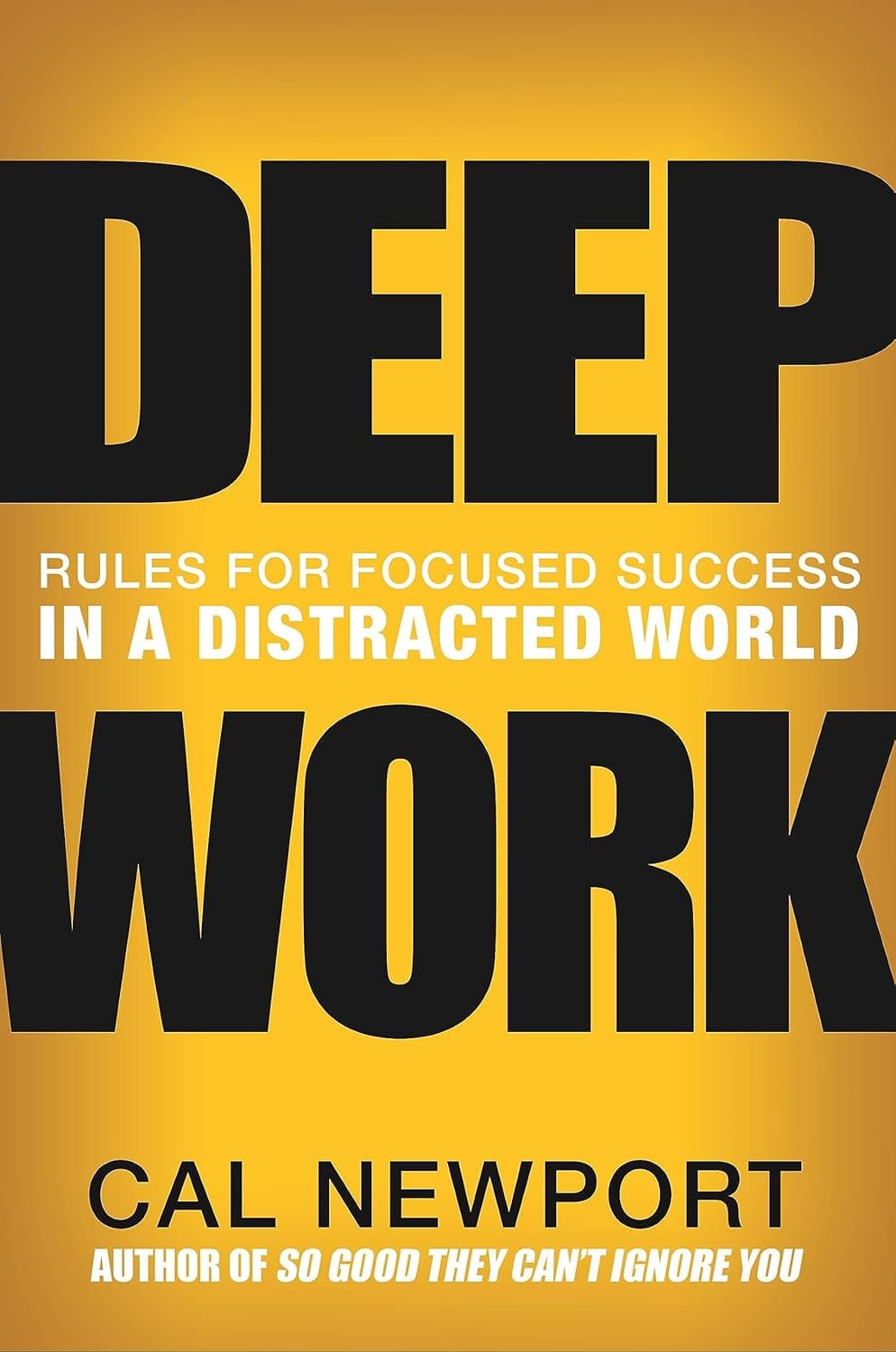
"Deep Work"
A reference on sustained focus and knowledge-work productivity, especially relevant for teams balancing creative work with operational demands.
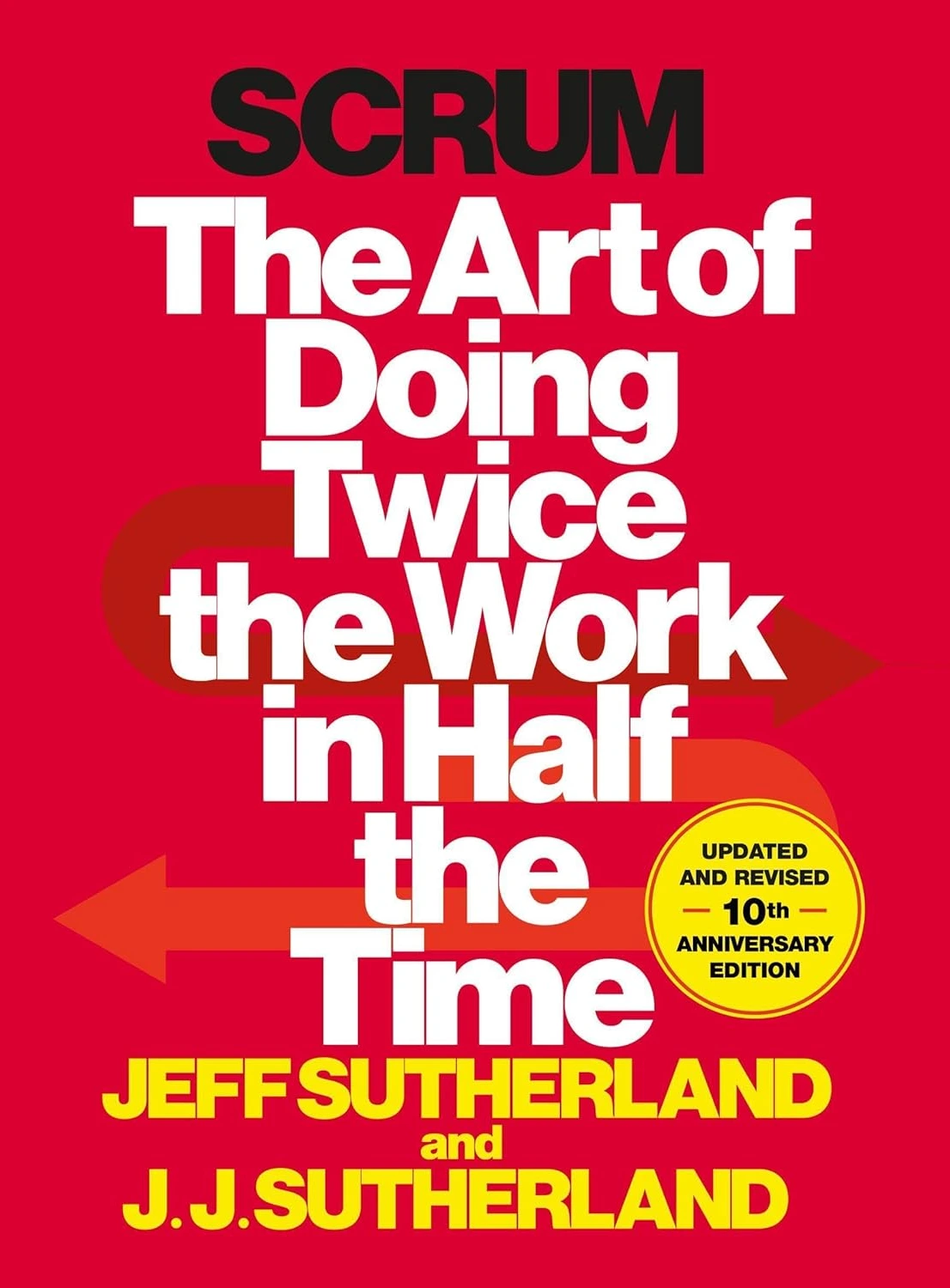
"Scrum: The Art of Doing Twice the Work in Half the Time"
Written by one of the inventors of Scrum, this book explains how structured task cycles drive results in small, iterative teams.
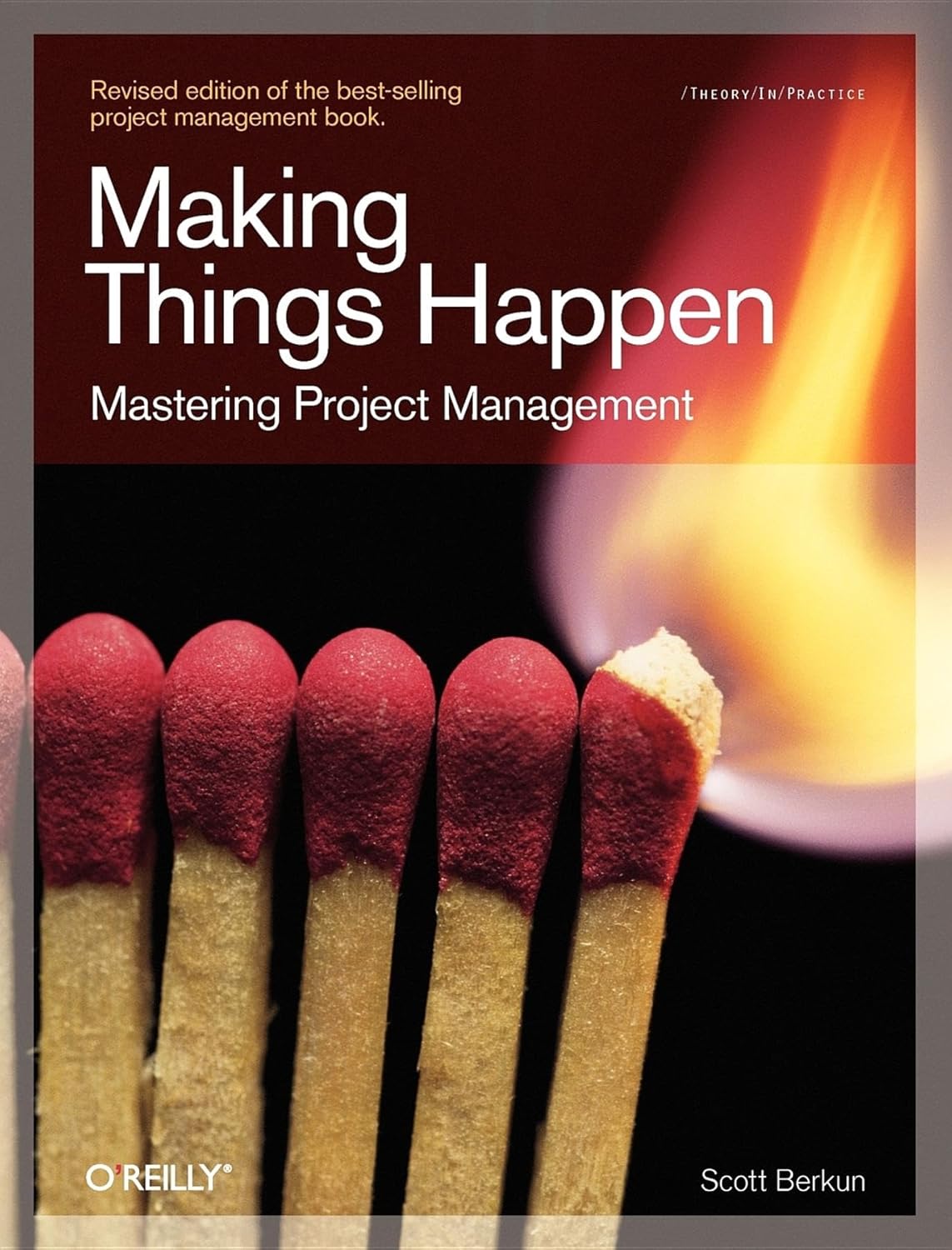
"Making Things Happen: Mastering Project Management"
Direct, practical guidance on managing projects, people, and competing priorities across real organizations.


